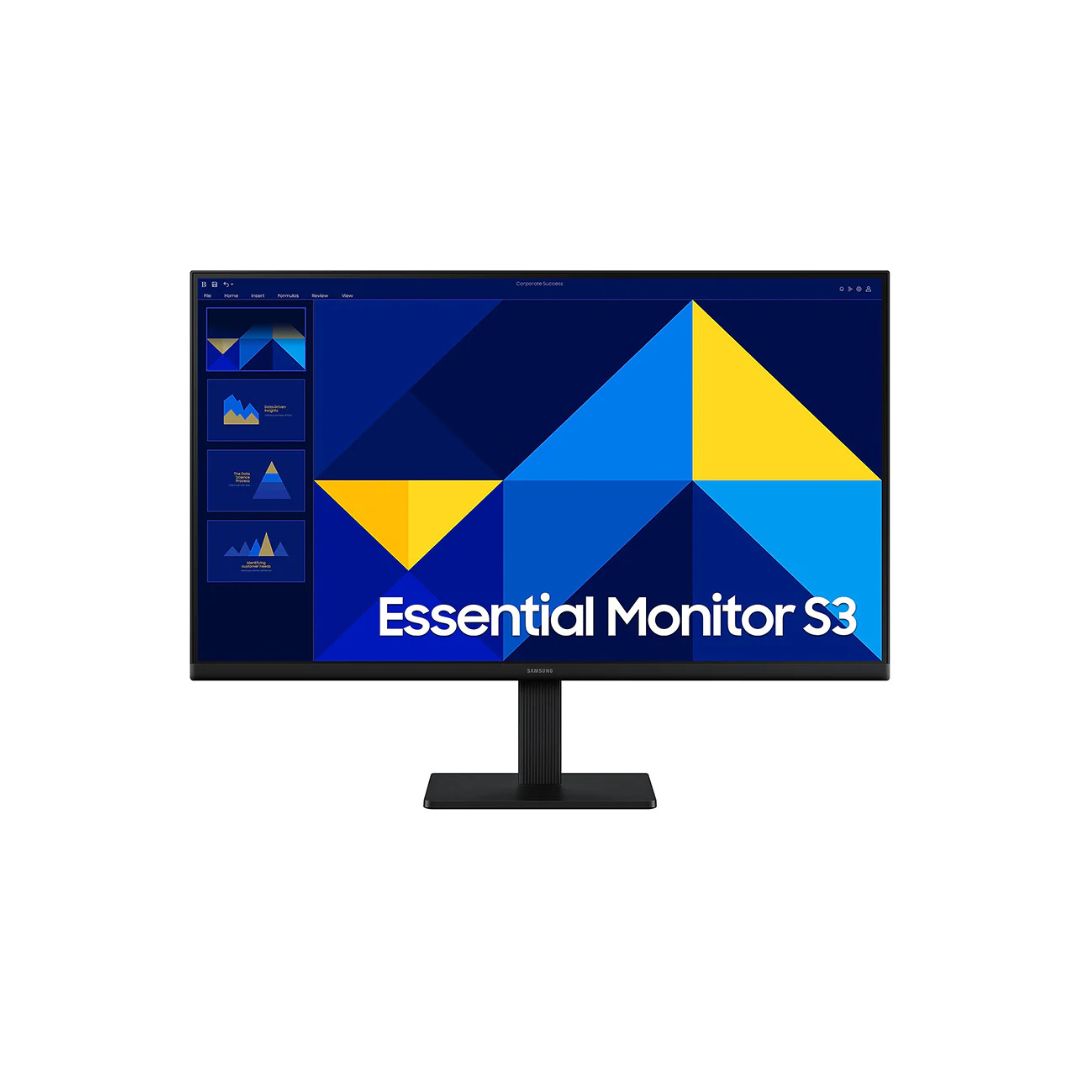
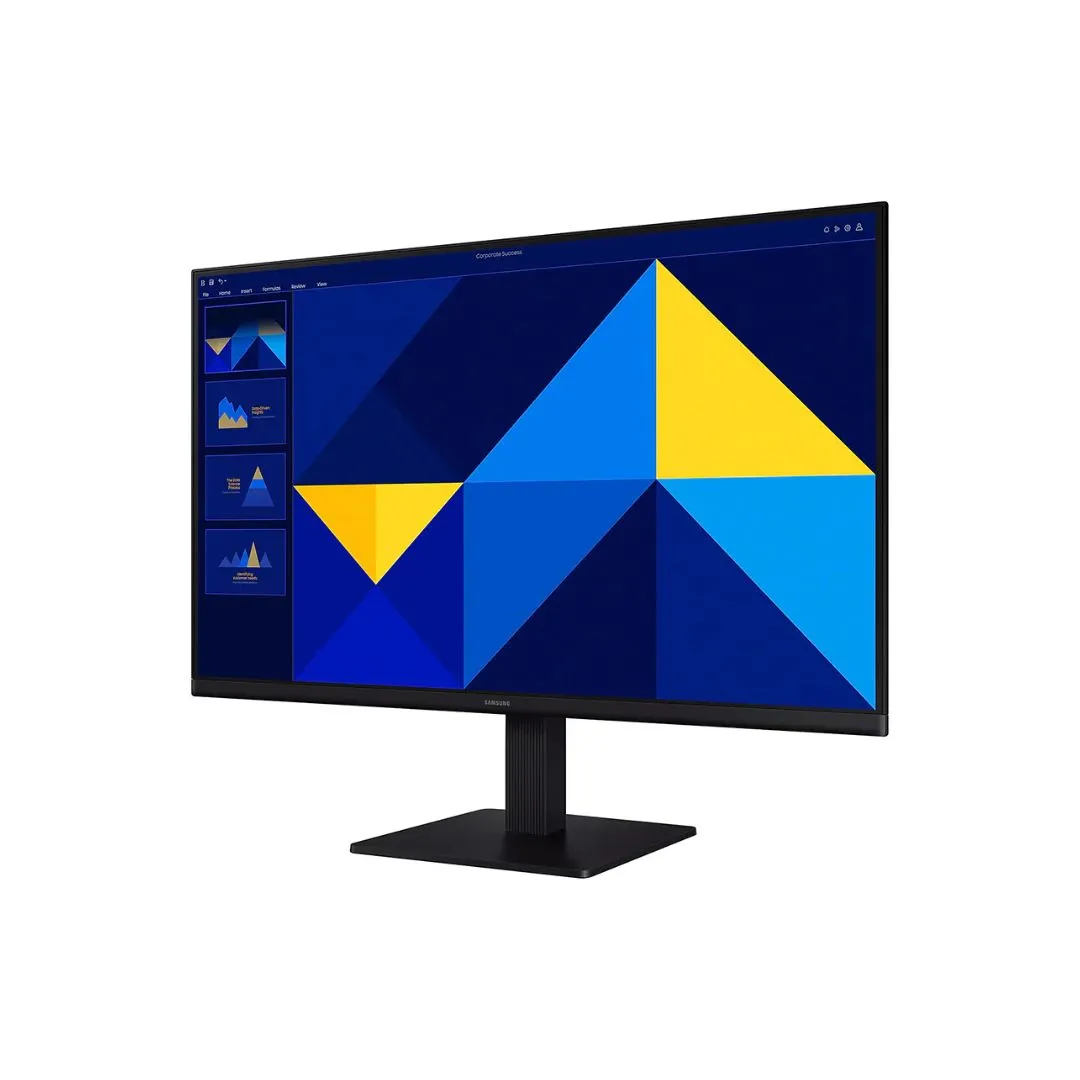
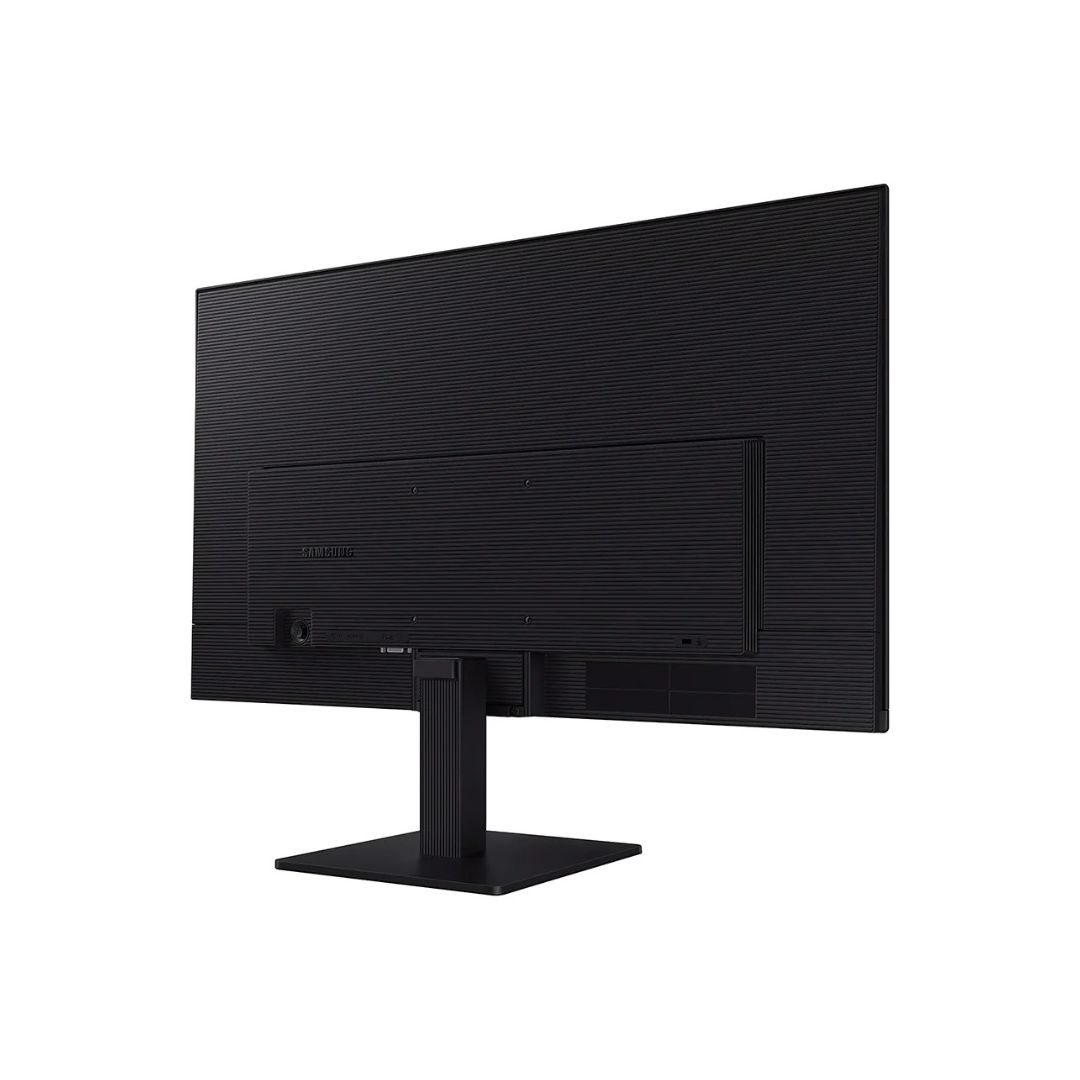
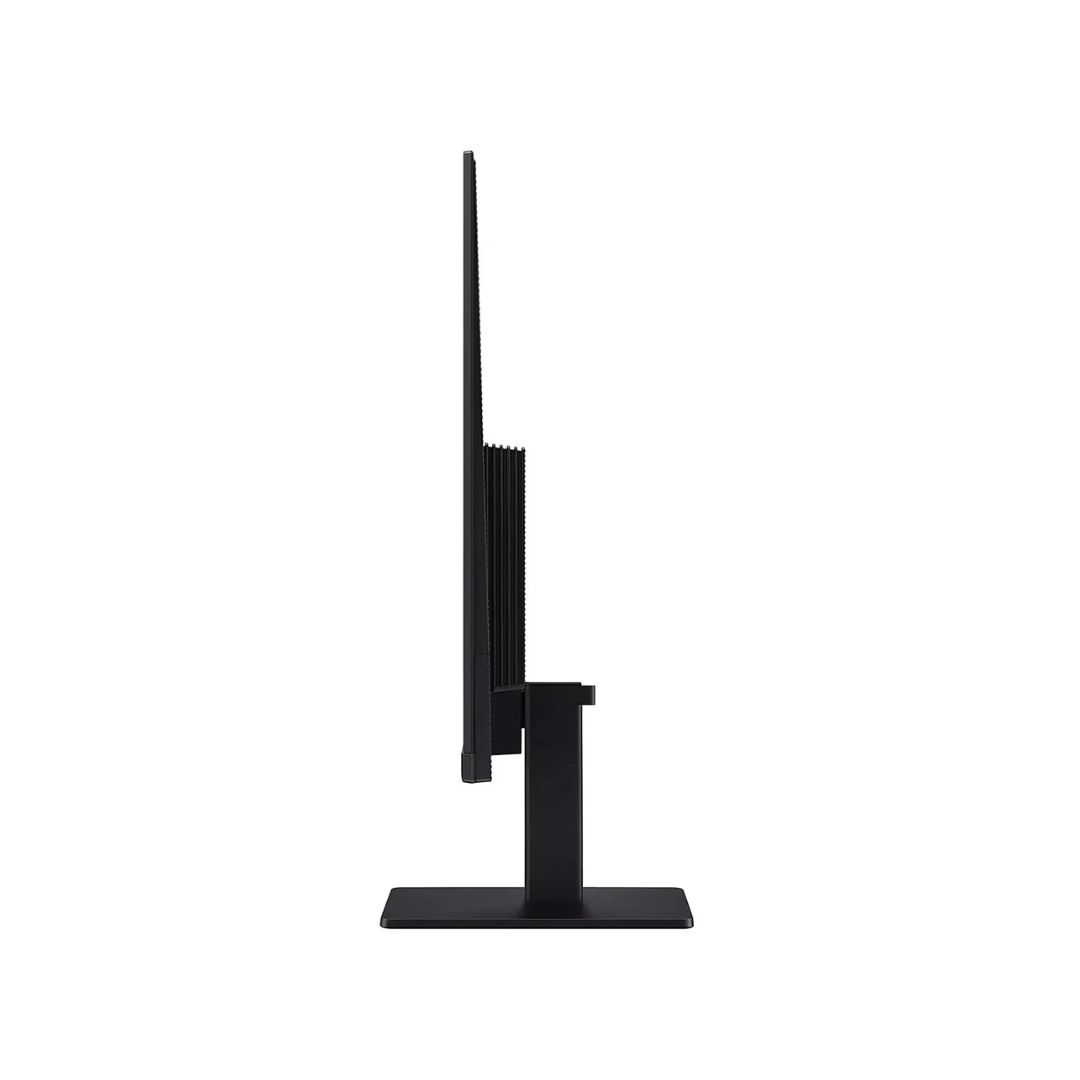
Screen: 27″ FHD IPS, 1920×1080, 100 Hz Response Time: 5ms Contrast Ratio: 1000:1 Features: Eye Saver Mode, Game Mode, Tilt Adjustment Ports: 1× HDMI, 1× VGA Warranty: 1 year

Performance / Functionality Essential Monitor
The Samsung LS27D300GAM delivers smooth visuals with its 100Hz refresh rate and 5ms response time, ensuring clear motion for gaming and multimedia tasks. The IPS panel provides consistent colors and wide viewing angles for accurate image reproduction.
Compatibility
This monitor supports standard PC and laptop connections via HDMI and VGA, making it compatible with a wide range of devices and operating systems.
Safety / Convenience
Eye Saver Mode reduces blue light emissions, and the monitor includes flicker-free technology to minimize eye strain during long usage sessions. Tilt adjustment allows ergonomic positioning for comfortable viewing.

Design / Build Essential Monitor
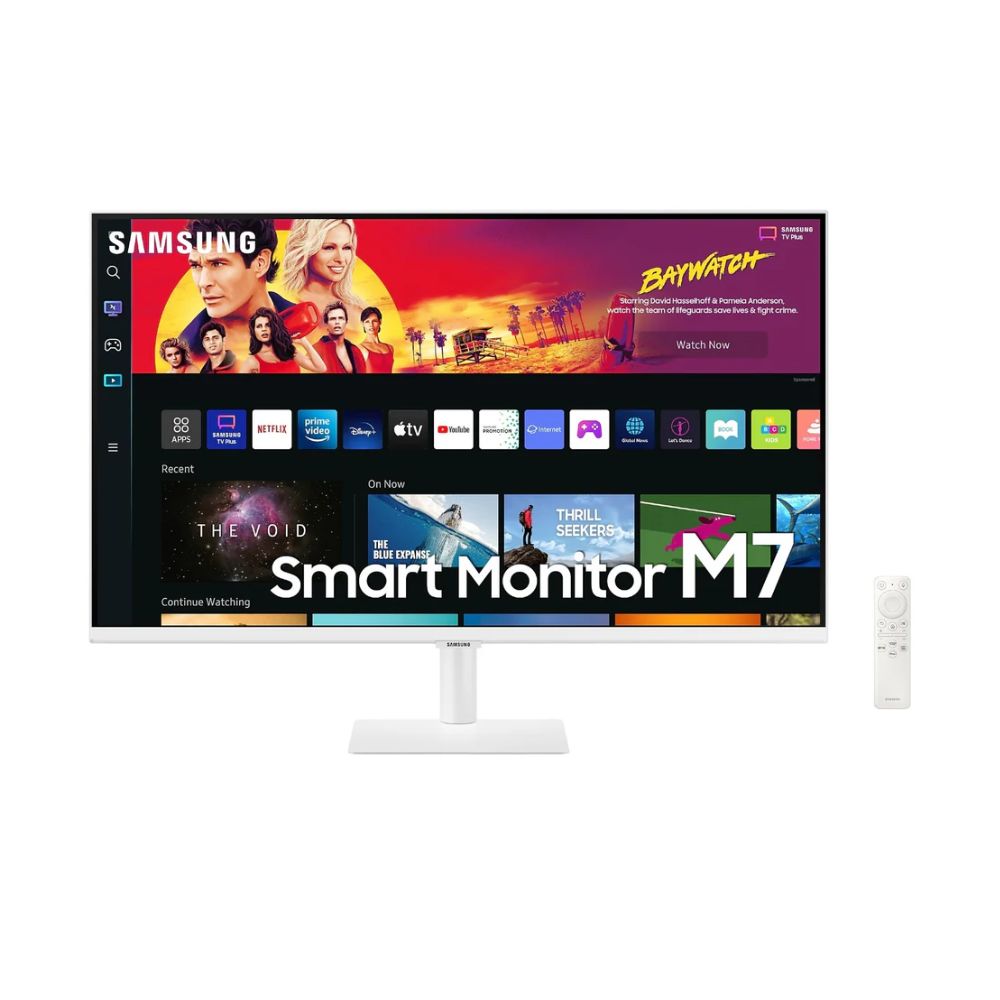
Featuring a flat 27″ panel with a black finish, the Samsung LS27D300GAM combines sleek aesthetics with durable build quality. Its minimalist design fits seamlessly into both home and office setups.
Usage Tips Essential Monitor
Use the monitor in well-lit environments to maximize color accuracy. Enable Game Mode for enhanced contrast and motion clarity during fast-paced games. Regularly clean the screen with a soft, dry cloth to maintain clarity.
Set your GPU output to 240Hz via DisplayPort or HDMI 2.0 to utilize the full refresh rate. Enable FreeSync Premium or G‑SYNC when gaming to prevent tearing. Position the monitor so the top bezel is at eye level to reduce neck strain. Use Eye Saver mode for extended night use and clean the screen regularly with a microfiber cloth to maintain clarity.
RK100
| SKU | LS27D300GAM |
| Brand | Samsung |
Business Monitors
Business Monitors