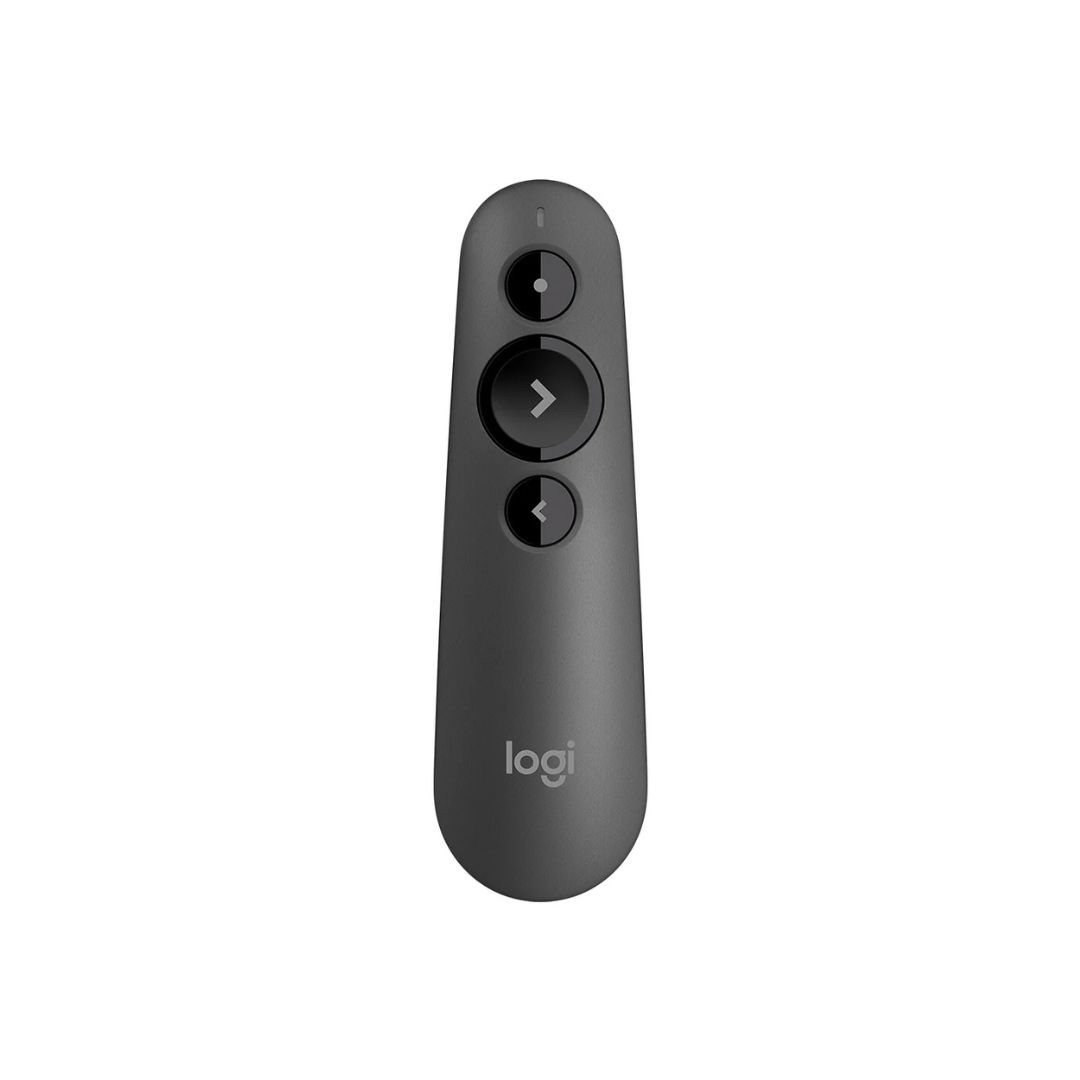
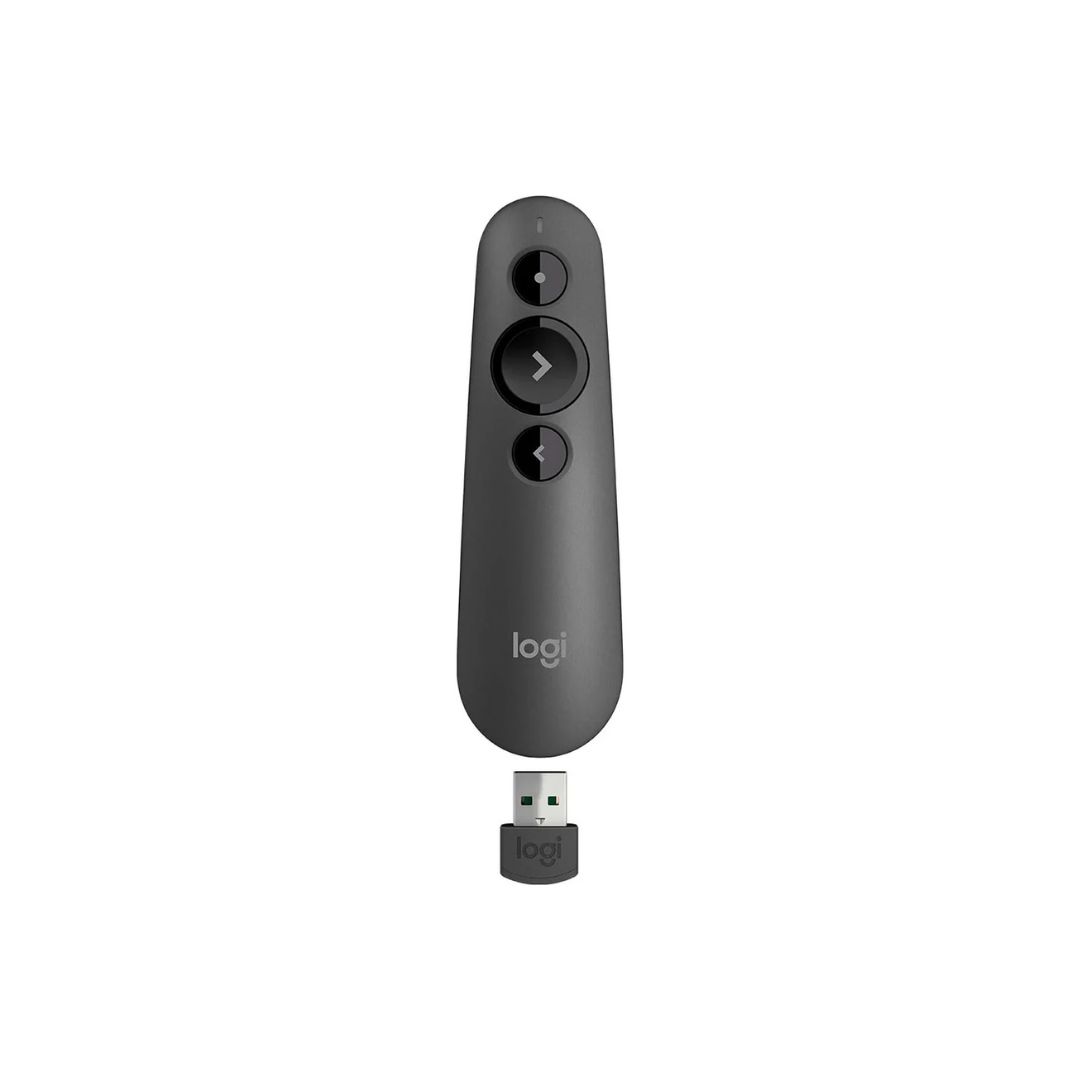
20-meter wireless range for freedom of movement Red laser pointer for highlighting key points Intuitive three-button design for easy slide navigation Dual connectivity: Bluetooth Low Energy & USB receiver Compatible with Windows, macOS, and popular presentation apps Includes 2-Year Warranty

The Logitech R500s Laser Presentation Remote is designed to help you deliver your presentations with confidence. Its intuitive controls and reliable performance make it an essential tool for professionals and educators alike.
The Logitech R500s Laser Presentation Remote features a bright red laser pointer that’s easy for your audience to see against most backgrounds. The remote offers forward and back buttons to navigate slides, a start/pause button for your slideshow, and a black screen button to shift the attention back to you. The contoured keys are easy to find by touch, ensuring smooth operation even in low-light conditions.
This remote is compatible with Windows and macOS operating systems and works seamlessly with popular presentation applications. It connects via Bluetooth Low Energy or the included USB receiver, offering flexibility and convenience.
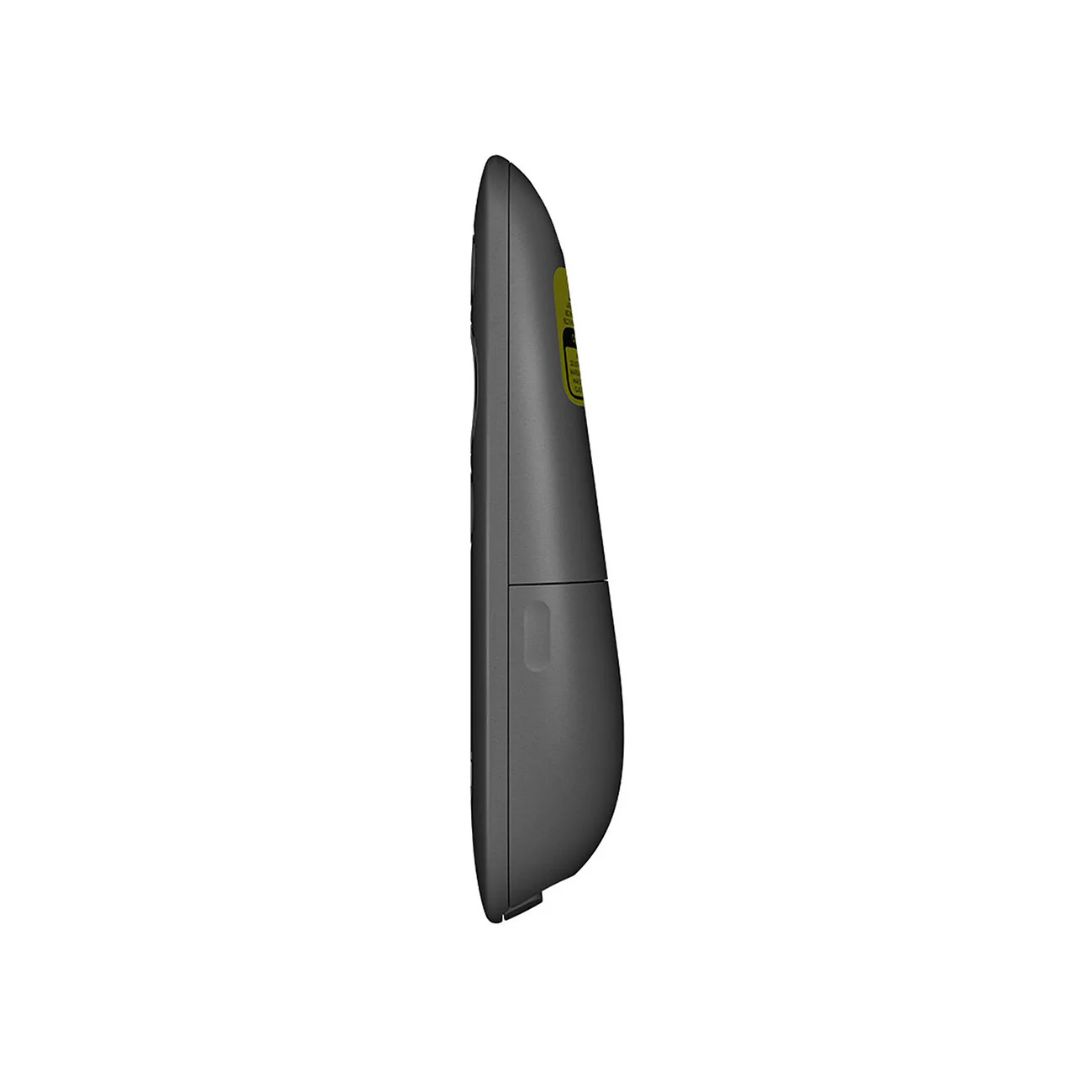
The Logitech R500s Laser Presentation Remote is powered by two AAA batteries, providing long-lasting battery life. The plug-and-play USB receiver can be stored inside the remote when not in use, making it easy to carry and reducing the risk of losing it.

With its sleek design and ergonomic shape, the Logitech R500s Laser Presentation Remote fits comfortably in your hand. Its lightweight construction ensures that it won’t weigh you down during long presentations.

To maximize battery life, turn off the remote when not in use. Store the USB receiver inside the remote to prevent it from being misplaced. Regularly check the battery indicator to ensure you’re always prepared for your next presentation.
RK42
| SKU | 910-005843 |
| Brand | Logitech |