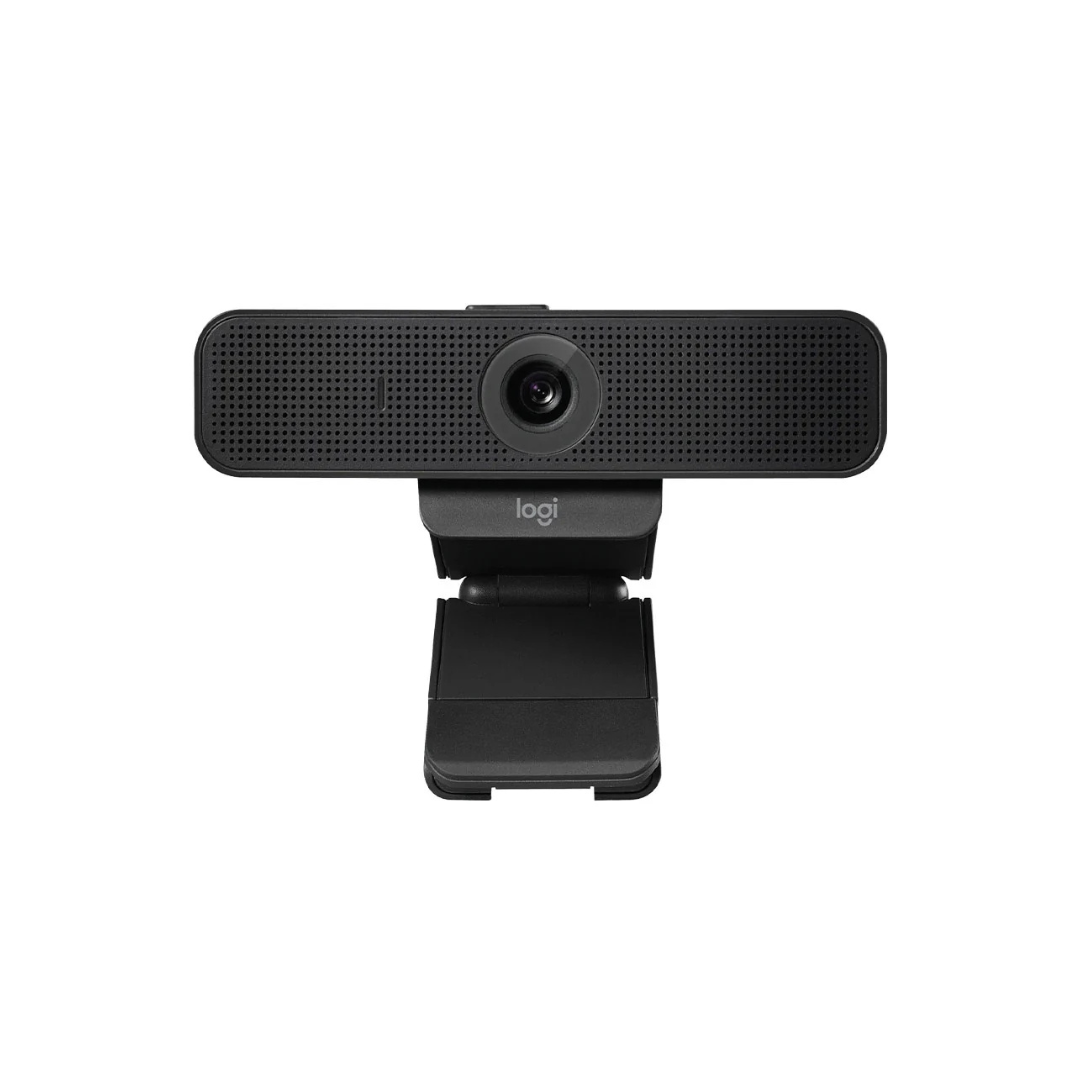
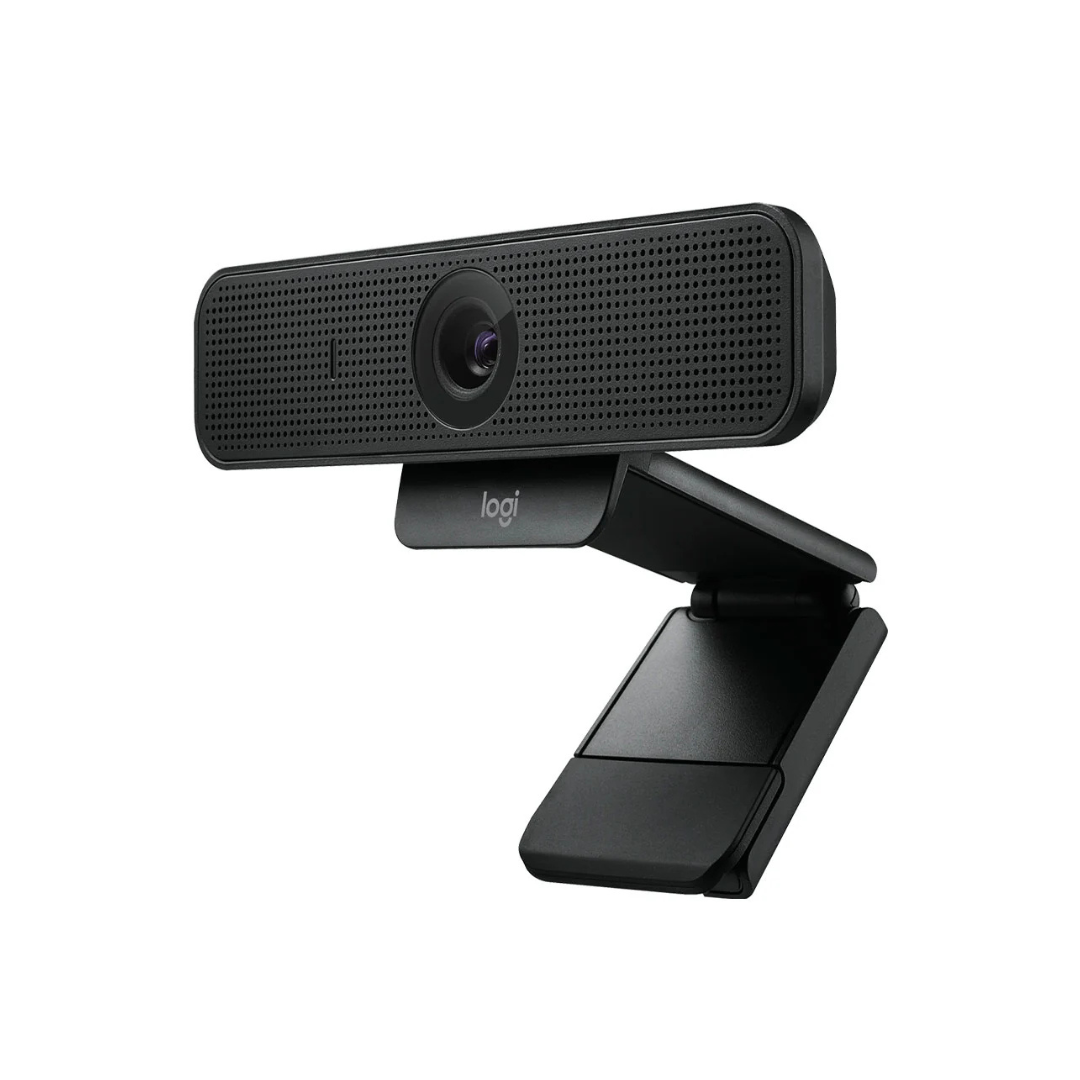
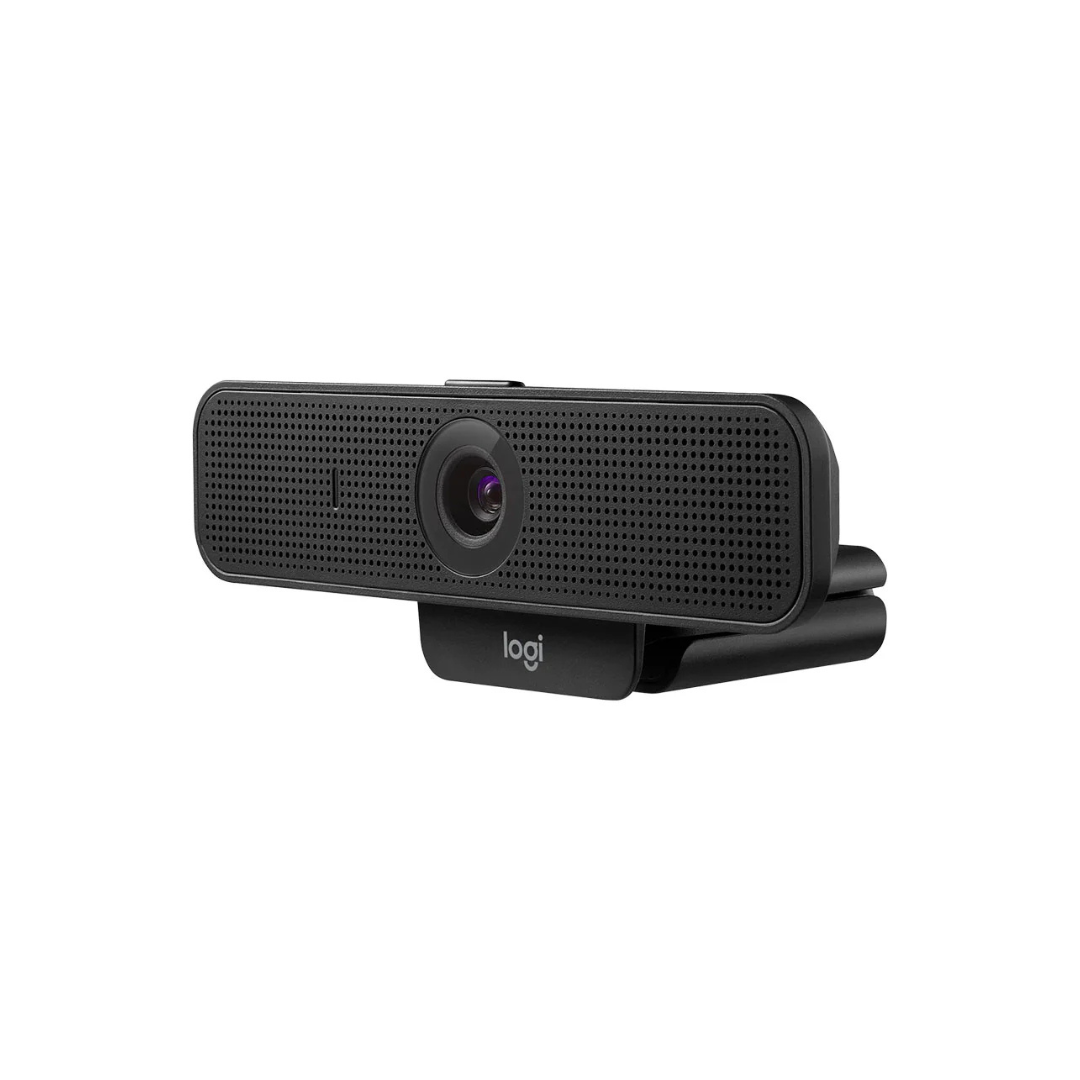
Full HD 1080p at 30fps with H.264 & SVC encoding 78° fixed diagonal field of view with auto-focus Dual omnidirectional mics for clear voice audio up to 1m Built-in privacy shutter for security 1.83m USB-A cable; universal clip + tripod thread mount Includes 2-Year Warranty

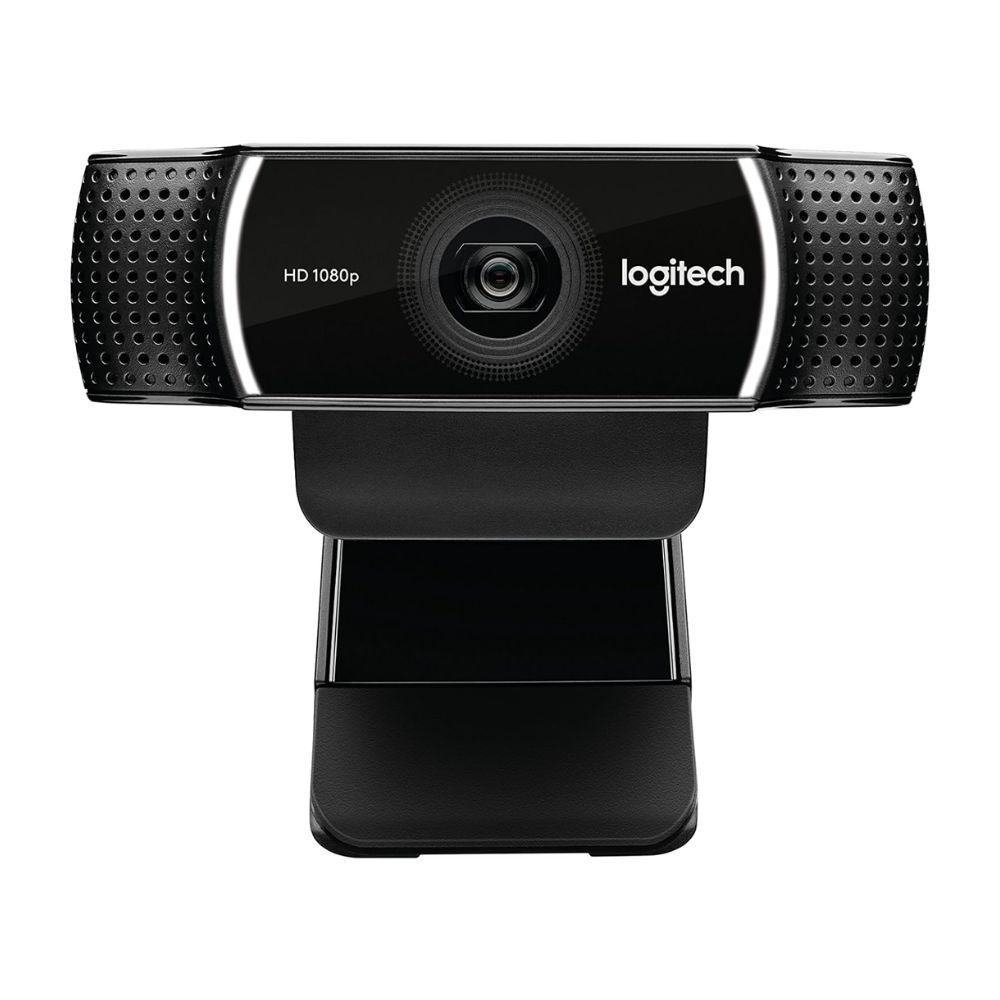
The Logitech C925e Business Webcam Enhanced 1080p is built for professional video conferencing with features that deliver sharp visuals, reliable performance, and privacy tools, making it ideal for remote work and business settings.
The Logitech C925e Business Webcam Enhanced 1080p captures video in Full HD 1080p at 30 fps. It includes H.264 with Scalable Video Coding (SVC) and UVC 1.1 encoding to reduce strain on your network and computer. RightLight 2 technology helps maintain image clarity under varied lighting conditions. The webcam also has a fixed field of view of 78° with auto-focus for crisp video.

This webcam connects via USB-A and works with Windows 8 or later, macOS 10.7 or newer, and ChromeOS. It’s certified by many video conferencing platforms like Microsoft Teams, Skype for Business, Zoom, Google Meet, and more.
For privacy, it includes a built-in privacy shutter that physically blocks the lens. Dual omnidirectional microphones capture audio clearly up to roughly one meter, ensuring natural sound during calls. The cable length of 1.83 meters gives flexibility in setup without causing cable clutter.

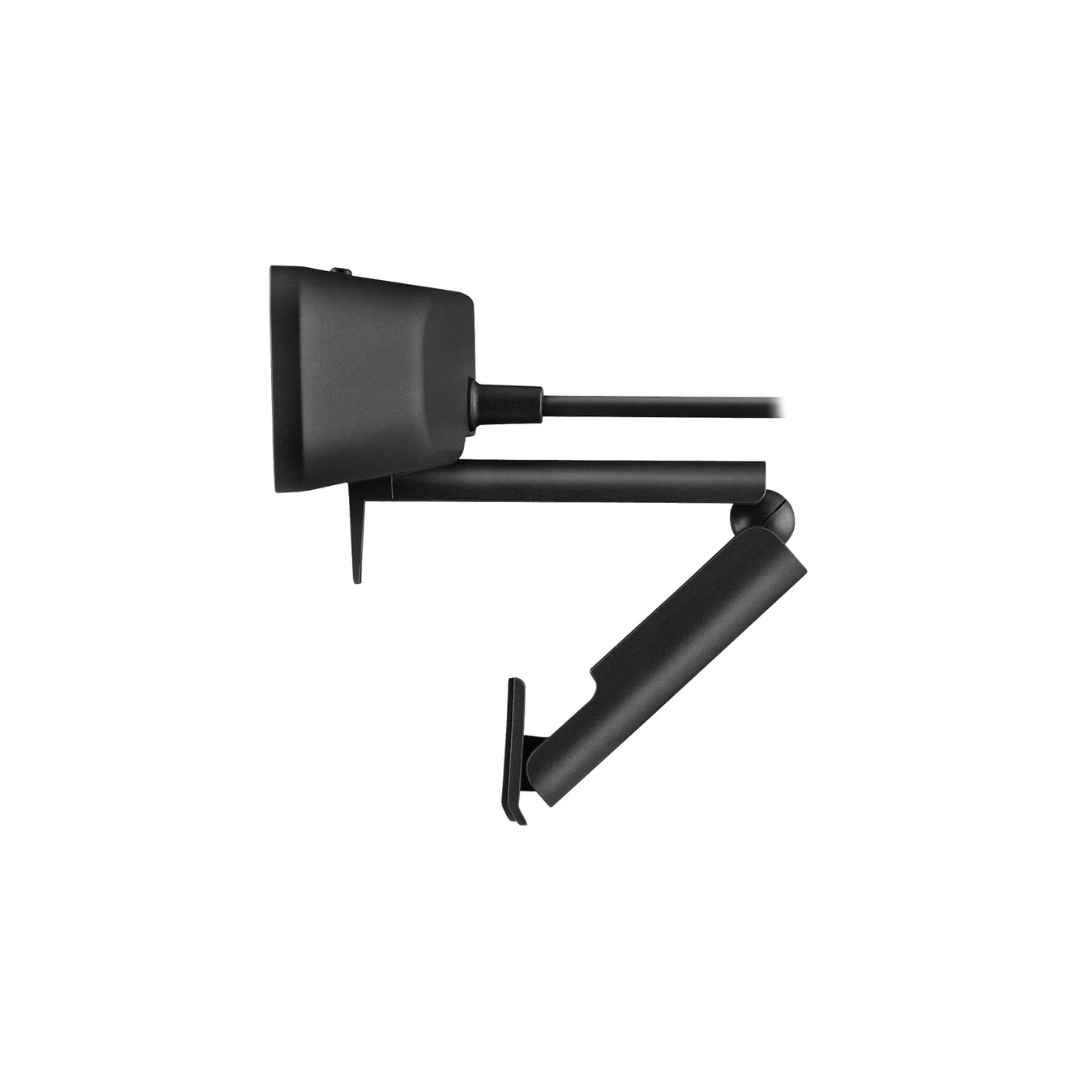
The Logitech C925e Business Webcam Enhanced 1080p is designed with a universal clip for mounting on laptops, displays, or use with a tripod via standard ¼-20 thread. It includes a fixed clip but also fits onto user tripods. The lens type is glass and it has a durable build suitable for professional use.
Position the webcam at eye level for natural framing. Make sure sufficient ambient light is available—RightLight 2 will assist in low light but works best with some lighting. Use the privacy shutter when not in use. Keep firmware updated using Logitech’s software (Logi Tune) for optimal performance.
RK95
| SKU | 960-001076 |
| Brand | Logitech |