LG DualUp 28MQ780-B 27.6″ HDR Monitor with Ergo Stand

LG DualUp 28MQ780-B 27.6″ HDR Monitor with Ergo Stand

$799.00

In Stock

27.6″ 16:18 IPS Panel HDMI | DisplayPort | USB-C SDQHD 2560 x 2880 at 60 Hz 5 ms Response Time (GtG) 1000:1 Static Contrast Ratio 300 Nits Brightness 1.07 Billion Colors with HDR10 178°/178° Viewing Angles Ergo Stand | Built-In KVM Integrated Speakers & USB Hub

Qty
+ -

Description

LG DualUp 28MQ780-B 27.6″ HDR Monitor with Ergo Stand – 3 Years Warranty

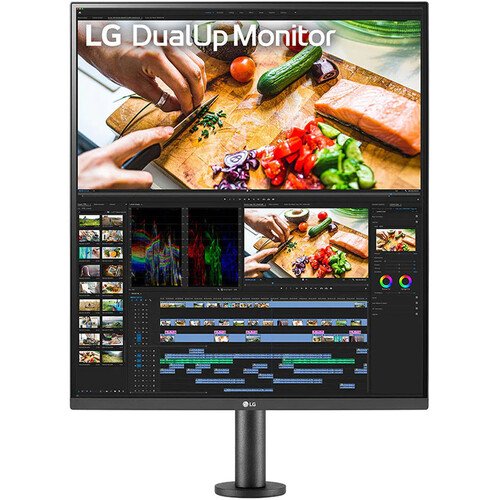
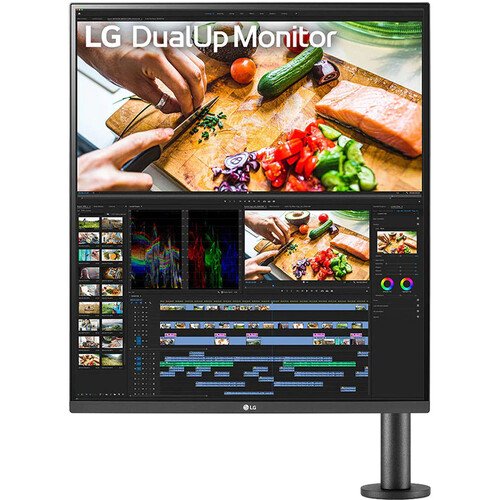
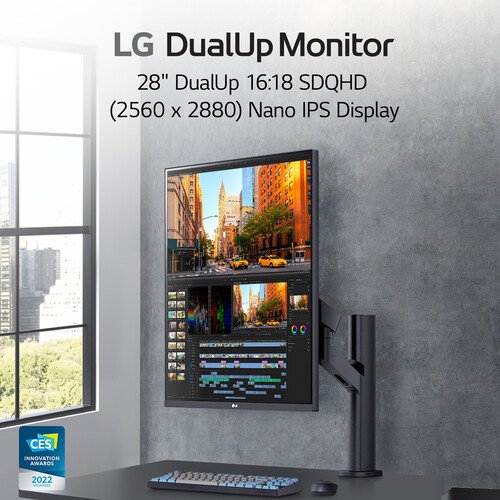
Enhance your multitasking capabilities with the  LG DualUp 28MQ780-B 27.6″ HDR Monitor . Designed to provide programmers, content creators, designers, and office workers a large and highly flexible viewing space, the DualUp stacks two QHD screens atop each other to create a single 2560 x 2880 resolution display with a 16:18 aspect ratio. This vertical design helps to save desk space while offering all the benefits of a dual-monitor setup, such as viewing multiple applications and windows at the same time. The included Ergo stand allows you to extend, retract, and swivel the screen in addition to adjusting its height and tilt for optimal viewing. A built-in ambient light sensor provides extended viewing comfort by automatically optimizing the screen’s brightness according to your environment’s changing conditions.

The screen itself is designed to deliver clear, color-accurate images with support for high-dynamic range. Connect the LG DualUp to your system through the two HDMI ports or the DisplayPort input. Alternatively, you can reduce desktop clutter by using the USB-C port to transfer video, data, and up to 90W of power over a single cable with compatible laptops. You can place video feeds from multiple inputs next to each other in Picture-by-Picture mode. Additionally, the USB-C connection allows you to take advantage of the monitor’s built-in KVM switch to control multiple computers with one mouse and keyboard set. Other features include integrated stereo speakers and a dual-port USB hub.

Stacking Up
With its vertical design, the DualUp helps to boost your multitasking efficiency without taking up too much desktop space.
Rich Color
The 27.6″ In-Plane Switching (IPS) panel is factory calibrated to support up to 1.07 billion colors, covering 98% of the DCI-P3 gamut to deliver realistic photos and videos. HDR10 support enhances images with high contrast, delivering bright highlights and deep shadows. Other features include a 1000:1 static contrast ratio, 300 nits brightness, and 5 ms GtG response time.
Ergo Stand
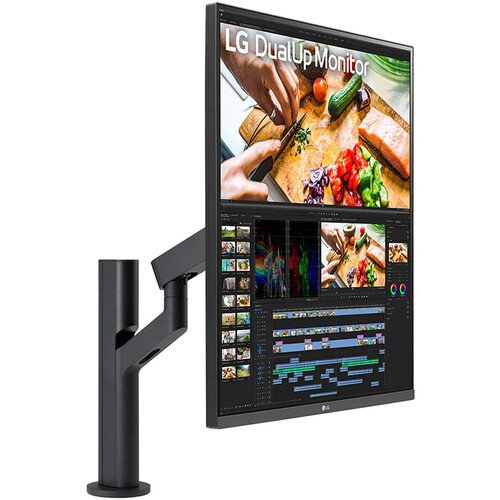
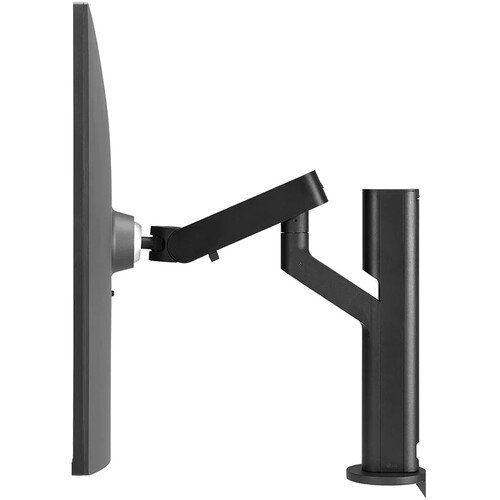
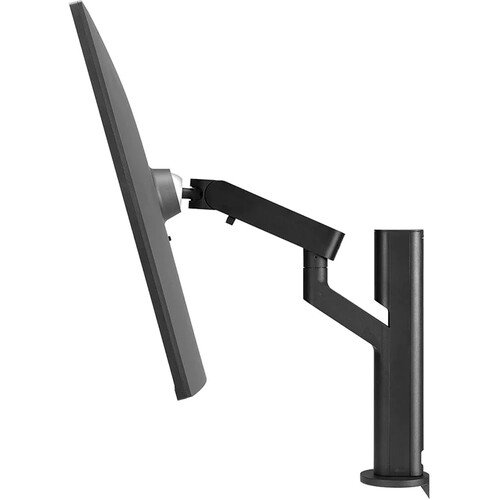
The included Ergo stand supports both C-clamp and grommet desk mounting. The monitor securely attaches to the stand with a single click, raising it from the desk surface and providing you with extra space. Once connected, you can extend and retract the screen in addition to adjusting its adjusting its height, tilt, and swivel.
Connectivity
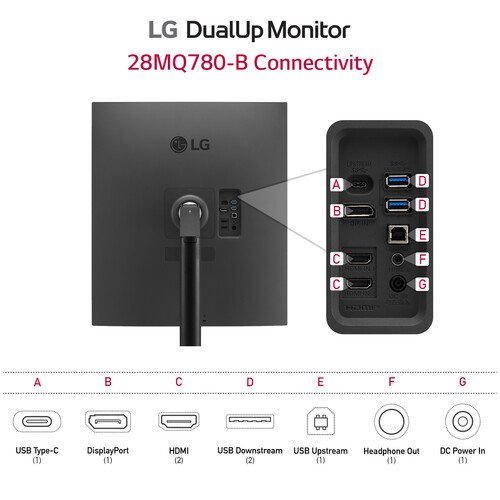
The LG DualUp 27.6″ HDR Monitor includes two HDMI 2.0 and DisplayPort 1.4 inputs in addition to supporting USB-C connectivity with compatible laptops. Plug a pair of headphones into the 3.5mm audio jack for listening privacy.
Single Cable Connection
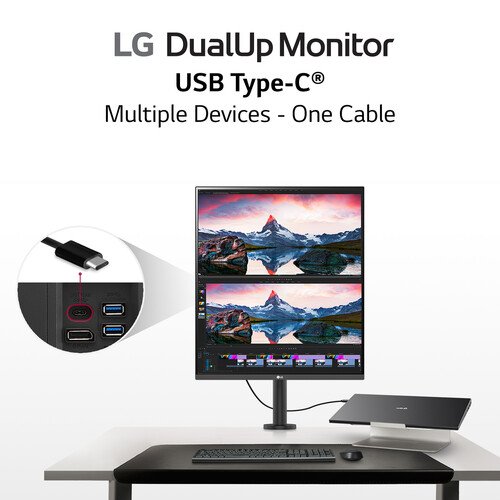
Reduce desktop clutter by transferring video, data, and up to 90W of power with compatible laptops over a single USB-C cable. This connection also allows you to use the integrated KVM switch and dual-port 5 Gb/s USB-A 3.0 hub.
Multi-Device Support
With Picture-by-Picture (PbP) support, you can view content from up to two computers simultaneously. Use the KVM to operate the systems with a single mouse and keyboard, connected to the monitor’s USB 2.0 ports.
Immersive Audio
The Maxx Audio enhanced stereo speaker system enhances your music, movie, and gaming experiences with virtual surround sound.
Ambient Light Sensor
The built-in sensor reacts to light, making the screen brighter in bright areas and darker in the dark for a comfortable working environment.
Dynamic Action Sync
Reduce input lag with Dynamic Action Sync, which helps gamers catch critical moments in real-time.
Black Stabilizer
Black Stabilizer helps gamers to avoid snipers hiding in the darkest places and quickly escape situations when the flash explodes.
OnScreen Control
You can customize the workspace by splitting the display view or adjusting basic monitor options with just a few mouse clicks using the downloadable OnScreen Control software utility.
CE639

Product Information

SKU 28MQ780-B
Brand LG

Related Products

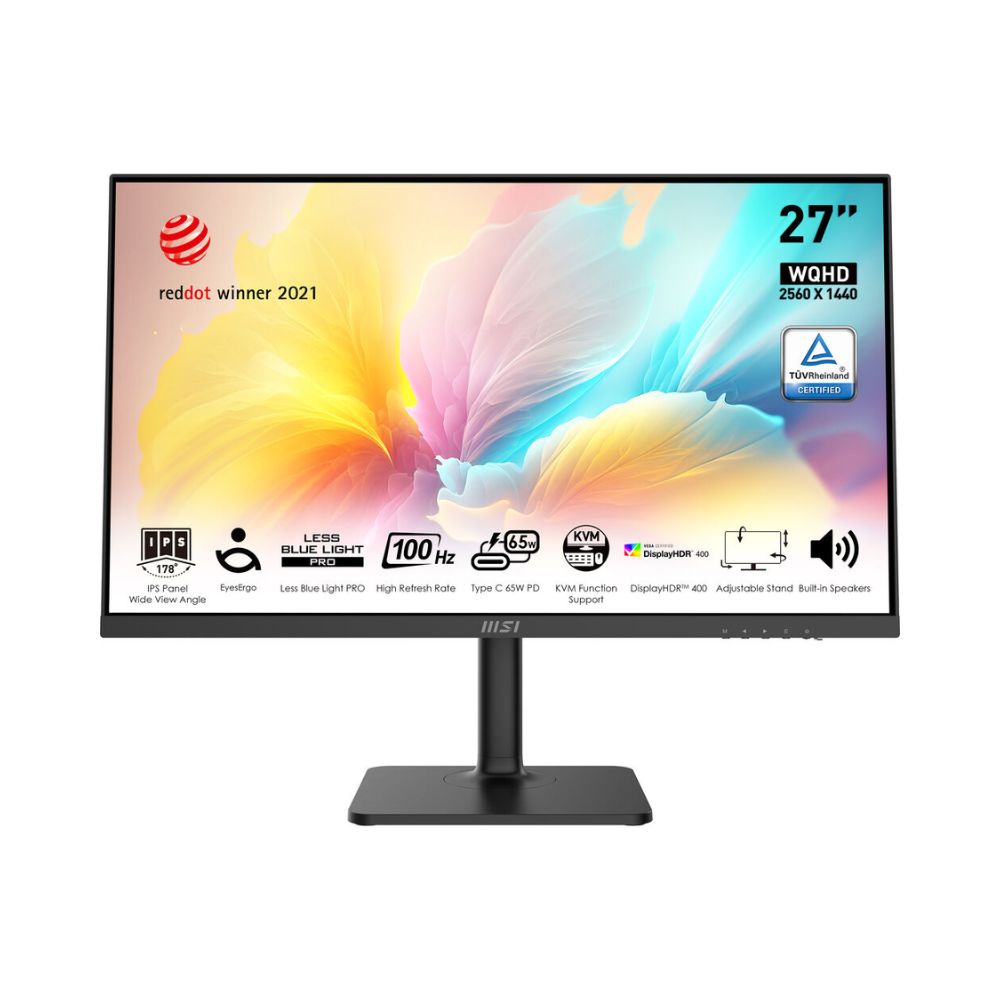
MSI Modern MD272QXP – LED monitor 27″ 2560 x 1440 WQHD 100 Hz – IPS

Business Monitors

MSI Modern MD272QXP – LED monitor 27″ 2560 x 1440 WQHD 100 Hz – IPS

$329.00

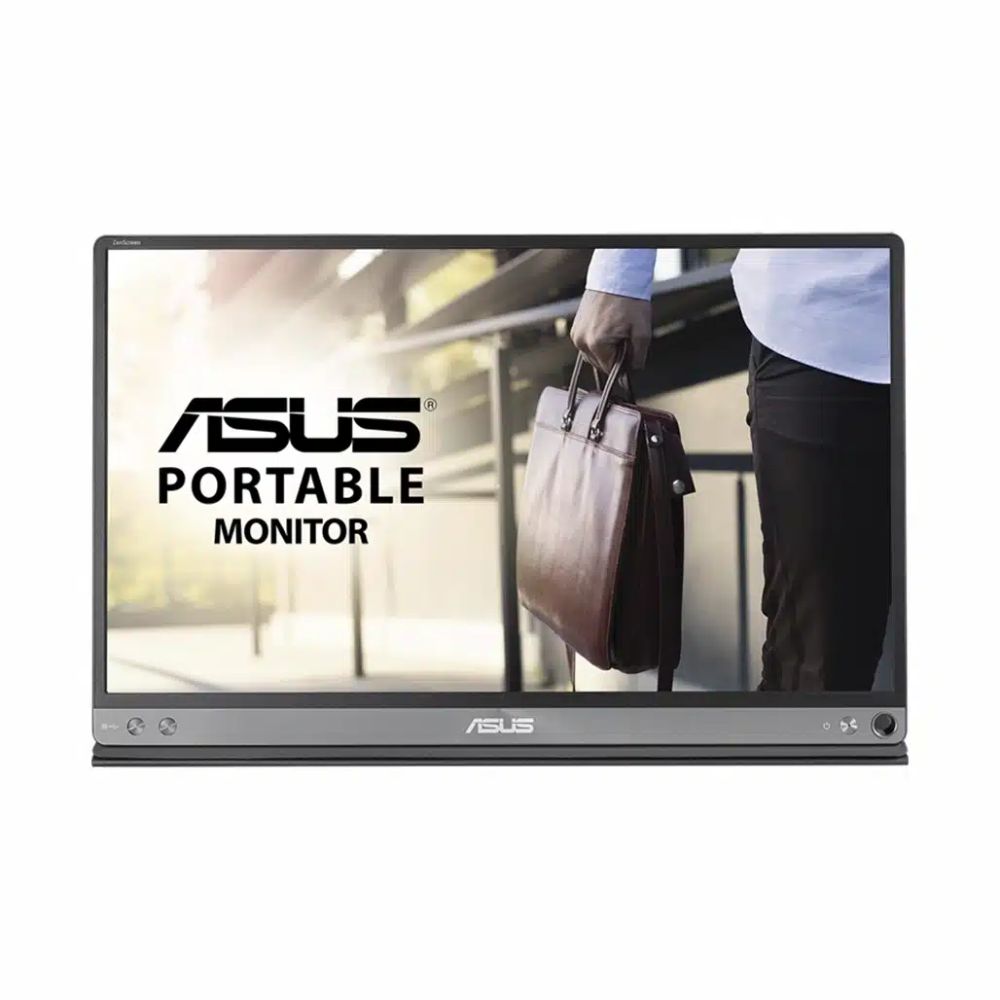
ASUS ZenScreen MB16AC – Business Monitor

Business Monitors

ASUS ZenScreen MB16AC – Business Monitor

$299.00

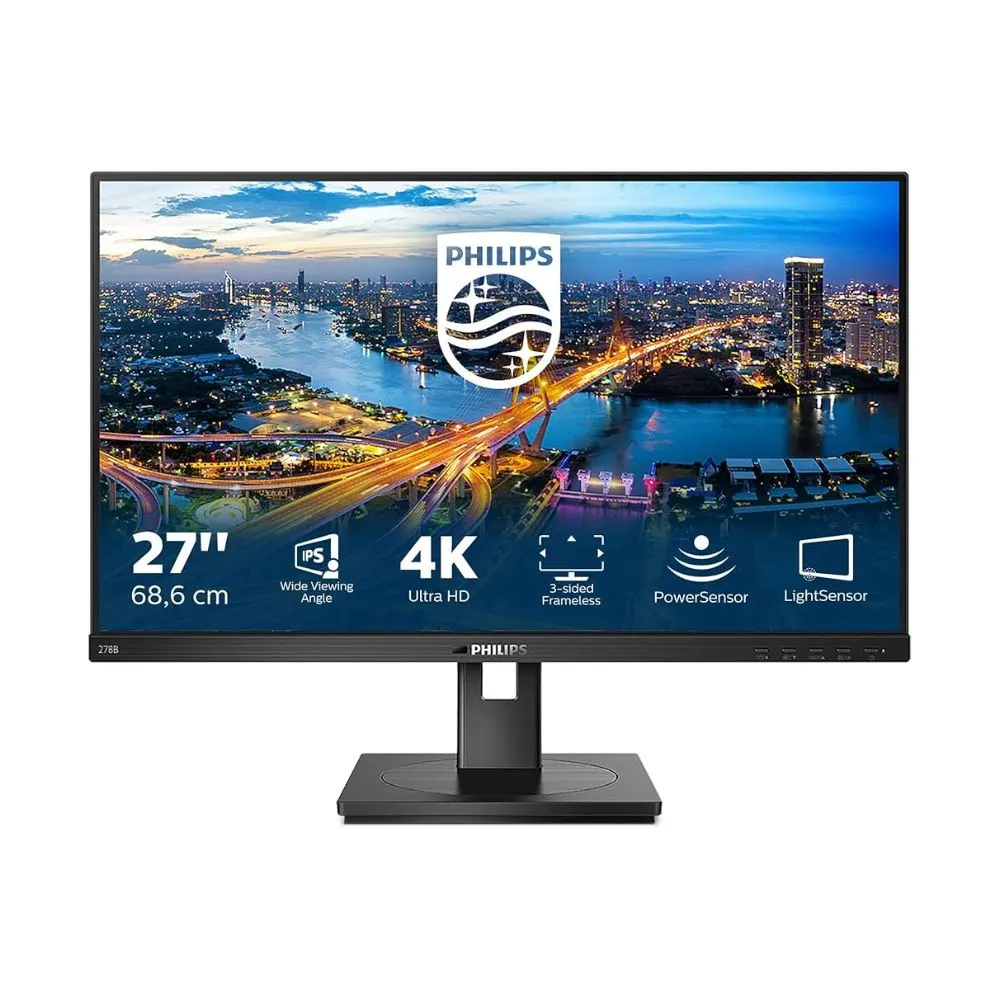
Philips B Line 278B1 – 27″ 4K UHD IPS – SmartImage – Built-in Speakers – Business Monitor
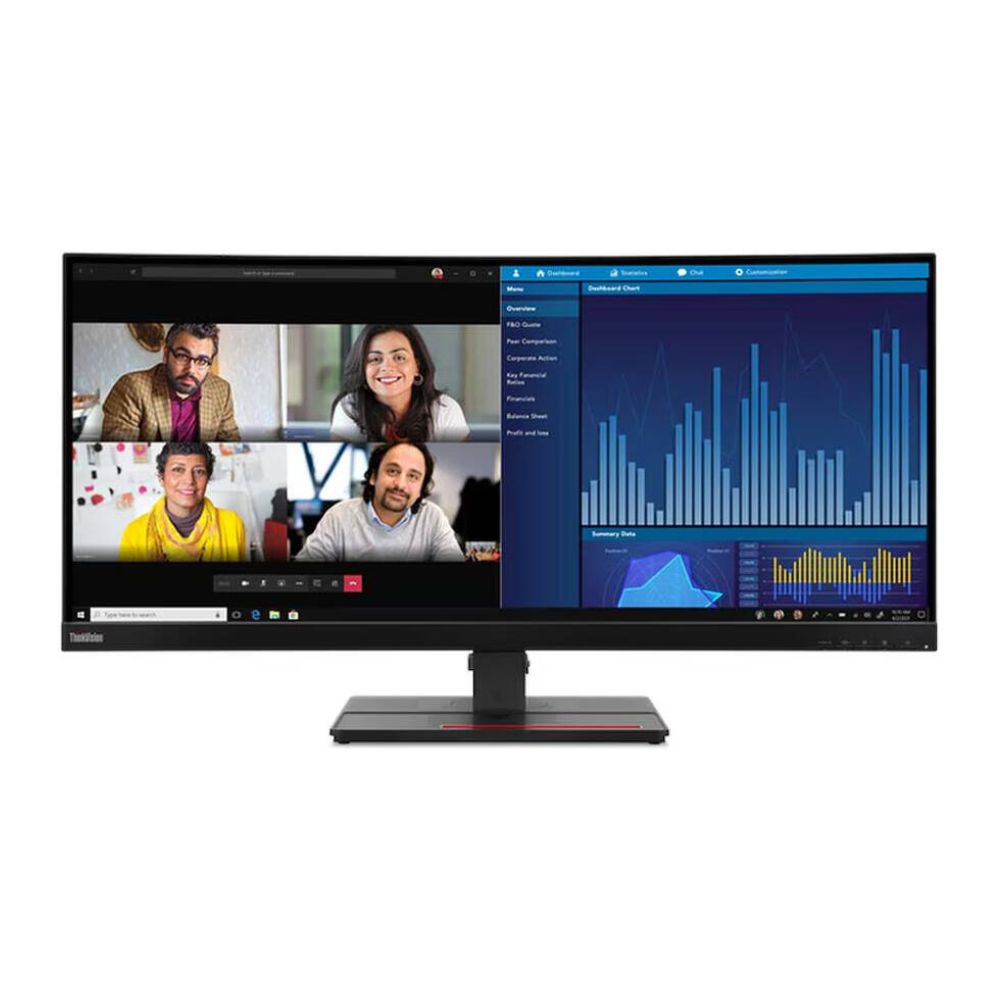
Lenovo ThinkVision P34w-20 34″ Ultrawide QHD 60Hz 4ms IPS Monitor with USB-C Hub & KVM Switch

Business Monitors

Lenovo ThinkVision P34w-20 34″ Ultrawide QHD 60Hz 4ms IPS Monitor with USB-C Hub & KVM Switch

$525.00